
Identify the root cause
End-to-end device fixes
Backup & recovery options
IT Support / IT AMC
Select the service that matches your device. Each page includes the common problems we fix, our process, and FAQs.
Many device issues are caused by a small set of common failures. We troubleshoot systematically so you don’t replace parts unnecessarily.
Clear steps, clear communication. You’ll know what’s wrong, what it costs, and what to expect before we proceed.
Send your device type and issue on WhatsApp—our team will guide you and schedule the next steps.
If your device issue is part of a wider IT environment, these services may help.
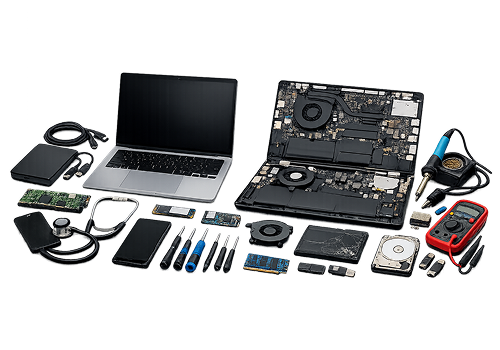
Zeetech’s laptop & MacBook repair service in Dubai covers the full range of hardware and software faults for both Windows laptops and Apple MacBooks, from power and charging issues to broken screens, keyboard faults, slow performance, macOS errors, and storage problems. Every repair starts with a proper diagnosis and a clear quote before any work begins.
Get Your Laptop & MacBook Repair Service in Dubai
Contact ZeetechYes. We handle individual devices and also provide repair support for offices. Businesses can combine repairs with IT Support and IT AMC for ongoing coverage.
We focus on diagnosis first and recommend backup steps where needed. For storage-related issues, we explain safe options before proceeding with any repair or OS work.
Often yes. Slow performance can be caused by storage health, overheating, background software or low RAM. After diagnosis, we recommend the most cost-effective fix.


