
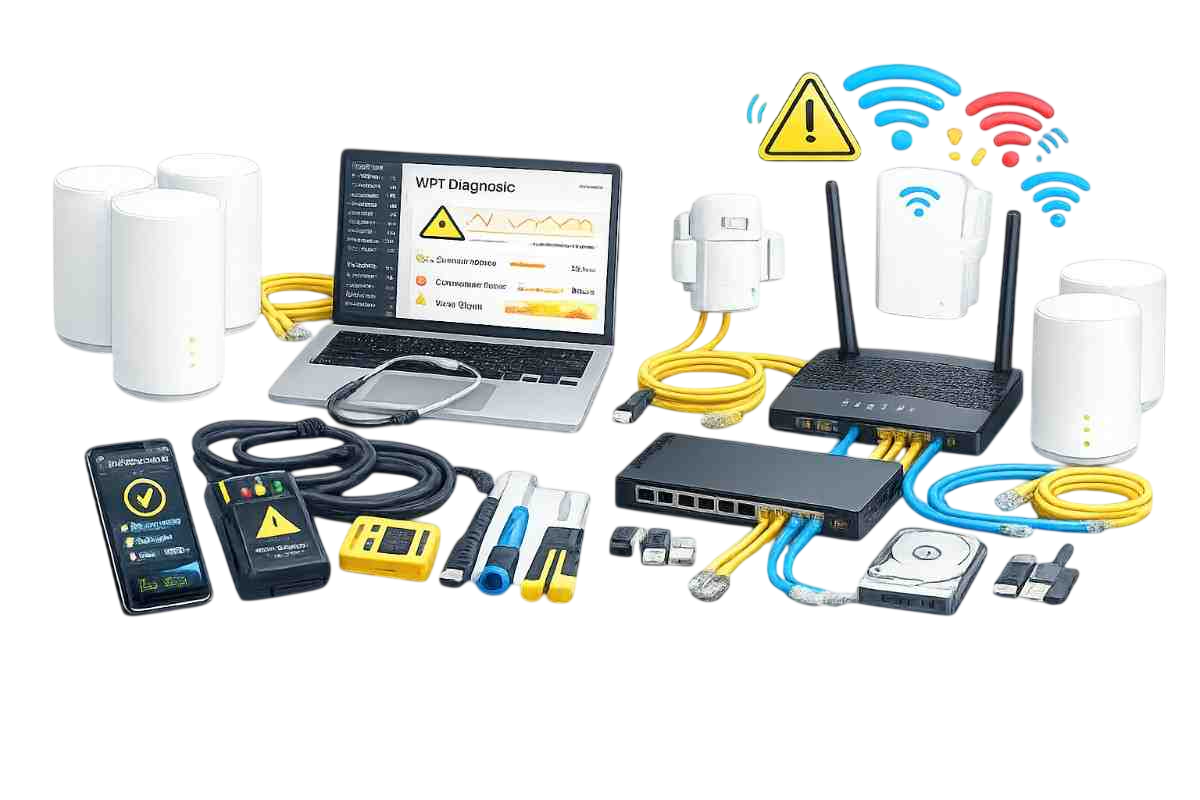
WiFi Support

WiFi Support in Dubai

WiFi support in Dubai for troubleshooting and optimization

Zeetech provides professional WiFi support in Dubai for homes and businesses—diagnosing slow WiFi, coverage issues, drops, unstable connections and device connectivity problems.

Whether you use a router, mesh WiFi or multiple access points, we troubleshoot and optimize your setup for consistent speed and stability.

  • Fix WiFi drops, slow speed and unstable signal
  • Coverage improvement and dead‑zone elimination
  • Router/mesh/access point troubleshooting
  • Security checks and guest WiFi setup (optional)
  • Support for homes, offices and commercial spaces
WiFi support in Dubai for troubleshooting and optimization

Why WiFi Problems Happen (and Keep Returning)

WiFi performance is affected by interference, layout, wrong router settings, outdated firmware, and hardware placement. Adding a stronger router alone often doesn’t solve dead zones or congestion.

We troubleshoot systematically, fix root causes, and recommend upgrades only when they are truly needed.

Common WiFi problems we fix

  • WiFi disconnects randomly or after a few minutes
  • Slow WiFi speed even near the router
  • Dead zones in bedrooms, offices or corners
  • Poor roaming between floors or areas
  • Security risks: shared passwords, no guest WiFi

If the issue is related to internet line or ISP instability, we can also help via internet fixing service.

What’s Included in Our WiFi Support in Dubai

From one‑time troubleshooting to ongoing optimization—Zeetech keeps your WiFi stable and secure.

WiFi Speed & Stability Troubleshooting

We identify why WiFi is slow or unstable and apply the right fixes.

  • Speed testing and signal quality checks
  • Channel selection and interference reduction
  • Router configuration optimization
  • Firmware updates and settings backup

Best for frequent drops, buffering and unstable connections.

Coverage Improvement & Dead‑Zone Fix

We improve signal coverage in weak areas using placement and the right hardware approach.

  • Router relocation and antenna tuning (where applicable)
  • Mesh node optimization or AP adjustments
  • Recommendations for access points or mesh upgrades
  • Support with home WiFi installation or business setups

Ideal for villas and large apartments/offices.

Mesh WiFi Support

We troubleshoot mesh WiFi networks to improve roaming and stability across rooms and floors.

  • Node placement optimization
  • Backhaul checks (wireless/wired)
  • Roaming and band steering tuning
  • Secure SSID and password best practices

Perfect for homes and small offices using mesh.

Access Point Support (Business WiFi)

We troubleshoot multi‑AP WiFi and improve roaming and performance for high user counts.

  • AP health checks and configuration review
  • Roaming optimization and SSID planning
  • Load handling improvements and tuning
  • Aligned with business WiFi solutions

Best for offices, clinics, retail and hospitality.

WiFi Security & Guest Network Setup

Secure your WiFi and provide safe access for visitors without exposing internal devices.

  • WPA2/WPA3 security configuration
  • Guest WiFi isolation and access rules
  • Admin access hardening and password policy
  • Optional support with network security

Recommended for both homes and businesses.

Ongoing Support & Maintenance

Keep WiFi stable long‑term with support and proactive checks.

  • Ongoing troubleshooting and optimization
  • Configuration backups and periodic reviews
  • Business maintenance via IT AMC
  • Support via IT support

Best for businesses that require consistent uptime.

Who We Help

We support homes and businesses across Dubai that depend on reliable WiFi for daily work, connectivity and devices.

  • Homes with buffering, lag and dead zones
  • Home offices needing stable video calls
  • Offices with many devices and meeting rooms
  • Retail and hospitality businesses with guest WiFi
  • Warehouses and facilities needing wide coverage

Related services to improve WiFi permanently

Our WiFi Support Process

We troubleshoot logically and fix root causes, then verify performance across your key areas.

Step 1

Symptom Review

We confirm where and when the WiFi problem happens and which devices are affected.

Step 2

Diagnosis

We check speed, signal strength, interference, router/AP settings and firmware.

Step 3

Fix & Optimize

We apply configuration fixes, adjust placement, and improve roaming and security.

Step 4

Verification & Recommendations

We retest key rooms/areas and recommend upgrades only if required.

Related WiFi & Network Services

For bigger upgrades or recurring issues, these services help improve performance long‑term.

FAQs about WiFi Support in Dubai

Can you fix WiFi dead zones without installing new hardware?

Sometimes yes—better placement and configuration can help. If the area is too far or walls block signal, adding mesh or access points is the proper fix.

Do you support mesh WiFi systems?

Yes. We troubleshoot mesh node placement, roaming settings and backhaul performance to improve stability and speed.

My WiFi is slow but my internet plan is fast. Why?

WiFi speed can drop due to interference, congestion, old routers, incorrect settings, or distance from the router. We identify and fix the real cause.

Do you support businesses with guest WiFi?

Yes. We configure guest networks with isolation so customers can connect safely without accessing internal systems.

Icon Icon
Icon Icon