
Laptop problems often start small—fan noise, slow boot, random shutdowns—then turn into board damage or data loss if ignored.
A proper diagnosis prevents unnecessary replacements and ensures the real root cause is fixed, not just the symptoms.
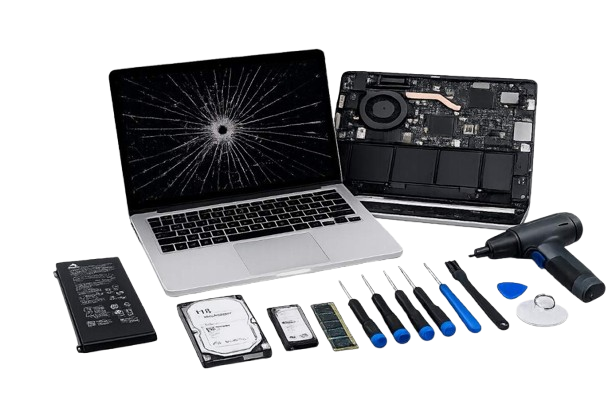
From quick fixes to component-level replacements, we handle laptops for home users and businesses.
We keep it simple: diagnose, quote, repair, then test so you can use your laptop with confidence.
We inspect the device and run checks to confirm the exact fault.
You receive a clear quote for parts and labor before we proceed.
We repair the issue, replace faulty components, and apply proper settings.
We stress-test performance and stability, then hand over with recommendations.
If you need broader support beyond a one-time repair, these services can help.
The best laptop repair services in Dubai go beyond a quick fix. They include a proper diagnosis before any work begins, a clear quote with no hidden costs, quality replacement parts, and a test before handover, so you leave confident the issue is fully resolved. Zeetech follows this process for every repair, whether it is a screen replacement, SSD upgrade or motherboard issue.
Get the Best Laptop Repair Services in Dubai
Contact Zeetech TodaySimple issues like cleaning, SSD/RAM upgrades or software fixes can be same-day. Parts replacements depend on availability and the type of laptop.
In many cases, yes. We can remove the drive, attempt recovery, and recommend the safest path before doing any OS reinstall.
If the motherboard is healthy, upgrades (SSD/RAM) and component replacement can extend life significantly. We’ll advise based on cost vs. benefit.
Yes. We repair business devices and can support your team via IT support or IT AMC.
Look for a repair service that diagnoses before quoting, uses quality parts and tests the device fully before handover. Zeetech provides the best laptop repair services in Dubai, which businesses and home users can rely on – covering hardware faults, software issues, screen replacements, battery repairs and performance upgrades, with clear pricing and no unnecessary replacements.


